
Skills
You met Skills briefly in Agents 101 and the Claude course. Here is the deeper look. The rest of this course is about Claude Skills specifically. Gemini Gems and ChatGPT Custom GPTs are similar in spirit but neither has Claude’s format or ceiling.
What a skill actually is
A Skill is a little module that explains to an agent how to perform a task or workflow the right way. Three parts: the instructions in a SKILL.md file, optional reference files, optional executable tools. The agent loads the package on demand when the task matches the name and stays out of the way otherwise.
The word that matters is modular. A Skill is not a big do-everything assistant. It is one move, encoded once, ready to be reached for. You compose them. The portability follows: a well-shaped skill survives a project rewrite, moves to a new repo, gets shared with a teammate, or graduates to your user-level config and follows you everywhere.
How to write one
A Skill is a folder with a SKILL.md and optional supporting files.
.claude/
└── skills/
    └── seo-check/
        ├── SKILL.md
        ├── references/
        │   └── ranking-checklist.md
        └── scripts/
            └── keyword-density.sh
SKILL.md carries the actual instructions:
---
name: seo-check
description: Audit a draft for the SEO checks our team cares about
---

# SEO check

## Instructions
1. Read the draft.
2. Pull keywords from references/ranking-checklist.md.
3. Run scripts/keyword-density.sh on the draft.
4. Return a numbered list of issues, ordered by severity.

## Style
- Numbered findings, not paragraphs.
- One sentence per issue.
- End with the single highest-impact change to make first.
The fastest way to write a skill is to ask Claude to write it for you. Open a chat, describe the move you keep walking it through, and say “help me write a Skill for this”. Claude knows the format and will draft it in a few minutes. Save it in .claude/skills/ for the project, or in your user-level Claude config to follow you across every project.
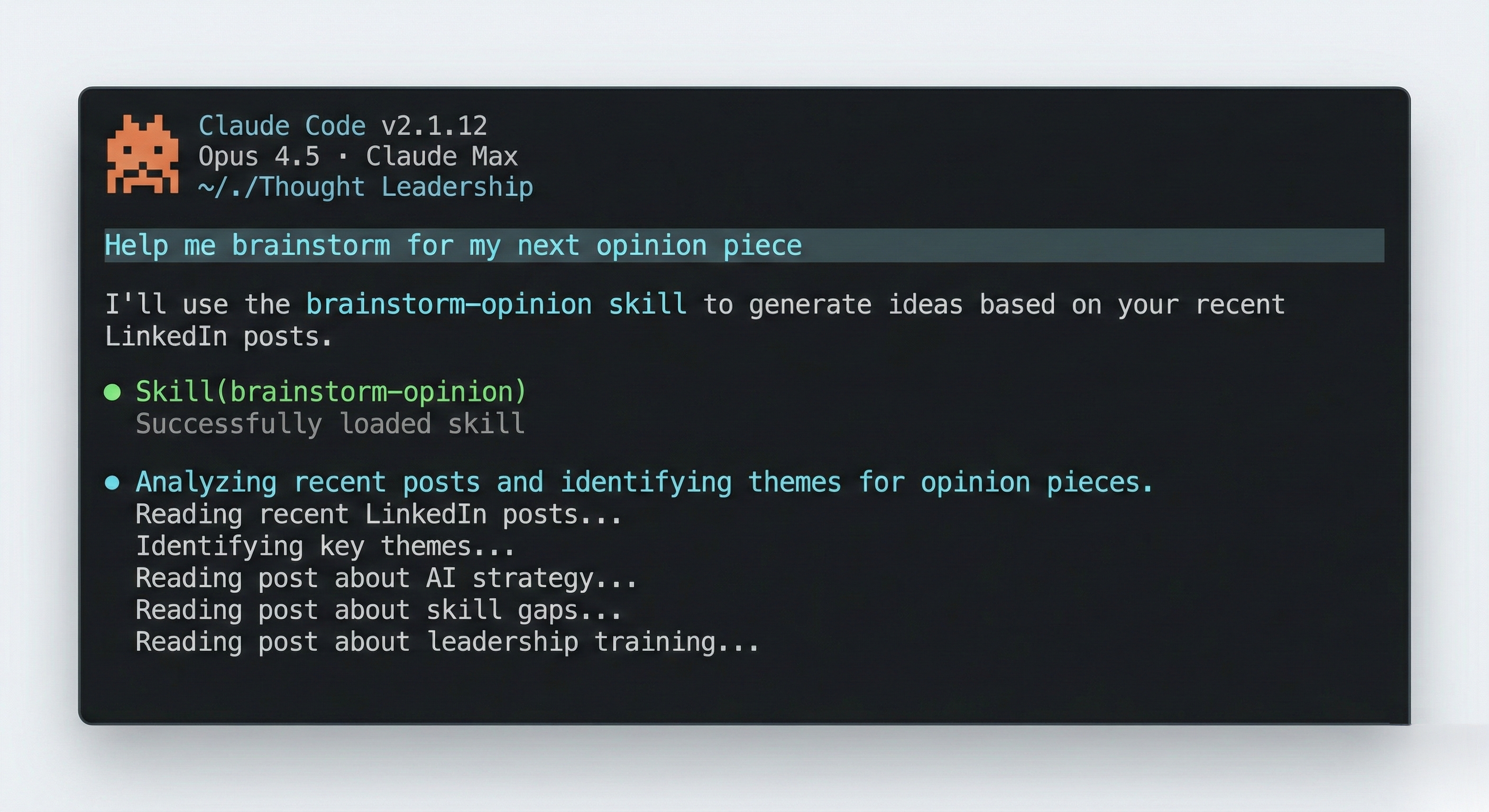
You invoke a skill by name. Type / to pick from the menu, or mention it in the prompt (“use the seo-check skill on this draft”). Claude can also reach for one on its own when the task clearly matches; the safe default is to invoke it explicitly so you know which playbook is running.
Skills bend with the prompt
A Skill is loaded as context, not run as a rigid script. When you invoke one, the model still listens to the rest of your prompt, so you can apply a skill and modify it on the fly. “Use the monthly-review skill but actually look at the whole quarter instead.” “Run the seo-check skill but skip the keyword-density step, the topic is too niche.” “Apply the status-update skill but write it for the leadership audience this time.” The model takes the skill’s instructions, weighs them against your override, and does the sensible thing.
This makes skills less brittle than they look. You do not need a separate variant for every shape of input. Write the common case, then steer in the prompt when the situation calls for it.
What makes a great skill
Small, single-purpose, repeated often, sharply defined. Miss one of those and the skill rots fast.
The anti-pattern is the kitchen-sink skill. “I will write a content workflow skill that handles SEO, research, drafting, editing, and publishing” sounds reasonable when you say it out loud. It is the trap. The agent treats one giant SKILL.md as one giant prompt; the more it tries to do, the worse it does each piece. You also lose composability: when you only want the SEO step, you cannot get there without dragging the rest along.
The pattern that works is one move per skill:
- A
seo-checkskill that audits a draft for keyword issues. - A
research-briefskill that takes a topic and produces a structured short brief. - A
status-updateskill that turns a week’s inputs into three bullets. - A
commit-messageskill that readsgit diffand writes a real commit message. - A
meeting-notesskill that takes raw notes and produces shipped-quality minutes.
Now you stack them. “Research, then draft, then SEO-check” runs three small skills in sequence. Each is good at its one job. You can swap or improve any of them without touching the others. New teammates pick up your skills folder and inherit the moves. That is the payoff.
This is also how bigger workflows get built. “Create the quarterly financial review deck” is not one giant skill; it is a sequence of small ones: a data-analysis skill that pulls and summarises the numbers, a brand-style skill that holds your company’s slide guide, a pptx-builder skill that stitches the slides together. You can package them together by writing a bigger skill that refers to each smaller one, but often it is smarter to activate them yourself in your prompt: the explicit invocations are easier to inspect, swap, and steer mid-run.
If you find yourself doing the same thing often, that is a great sign that making a skill could be useful. A great tip here is to just perform the task like usual, and then at the end ask Claude to turn it into a skill. This way the skill picks up all the feedback and steering you put into that one run, which produces a much sharper skill from the first moment.
You have five small skills in your folder. Today's task chains three of them: research-brief, then draft, then seo-check. Each step runs cleanly because each does one thing. The output lands in your voice with no edits.
You wrote one 'content workflow' skill with eleven sections of instructions. It produces something every time. It is rarely what you actually wanted, and you cannot tell which step went sideways.
Hands-on
Pick the single smallest move you walk Claude through every week. Not a workflow, a move. A commit-message generator, an SEO audit, a status-update drafter, a meeting-notes cleaner.
Open Claude on the web. Settings → Skills → Create. Or in any chat, say: “Help me write a Skill for [the move].” Let Claude draft the SKILL.md. Resist the temptation to add a second move while you are writing the first.
Save the skill. Open a fresh chat. Invoke it on a real input from this week. Iterate the SKILL.md until the output is something you would ship with no edits. Then write down what the next small skill would be.
Reflect
- Of the workflows you walk Claude through every week, which one is being asked to do too much? What two or three skills would it split into?
- Which small skill, written today, would save you the most cumulative time over the next month?
View as plain markdown for LLMs and copy-paste